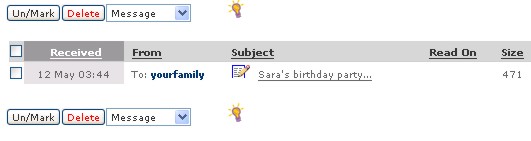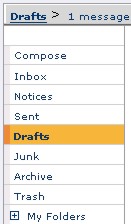
Your drafts folder is where you will save messages that you want to save and complete at a later time. The Drafts folder works and acts just like your other message.
The difference lies in the fact Safe-mail will automatically save a message that you are writing, if Safe-mail automatically logs out due to a time-out.